
Will I get the same channels?
Yes. The channels come from your provider, not from the player. Add the same Xtream credentials or M3U link in Neverlag and you see the same list.
Alternative to IPTV Smarters
If you are leaving IPTV Smarters, you probably want one of four things: a Mac app, an Apple TV app from the App Store, no ads and no account, or a picture that does not start over. Here is what Neverlag does on each — and what we have not measured.
Apple TV · iPhone · iPad · Mac · Fire TV · Android soon
Now on the App Store for Apple TV, iPhone and iPad. The Mac app follows shortly under the same link. One purchase for all Apple devices (Universal Purchase).
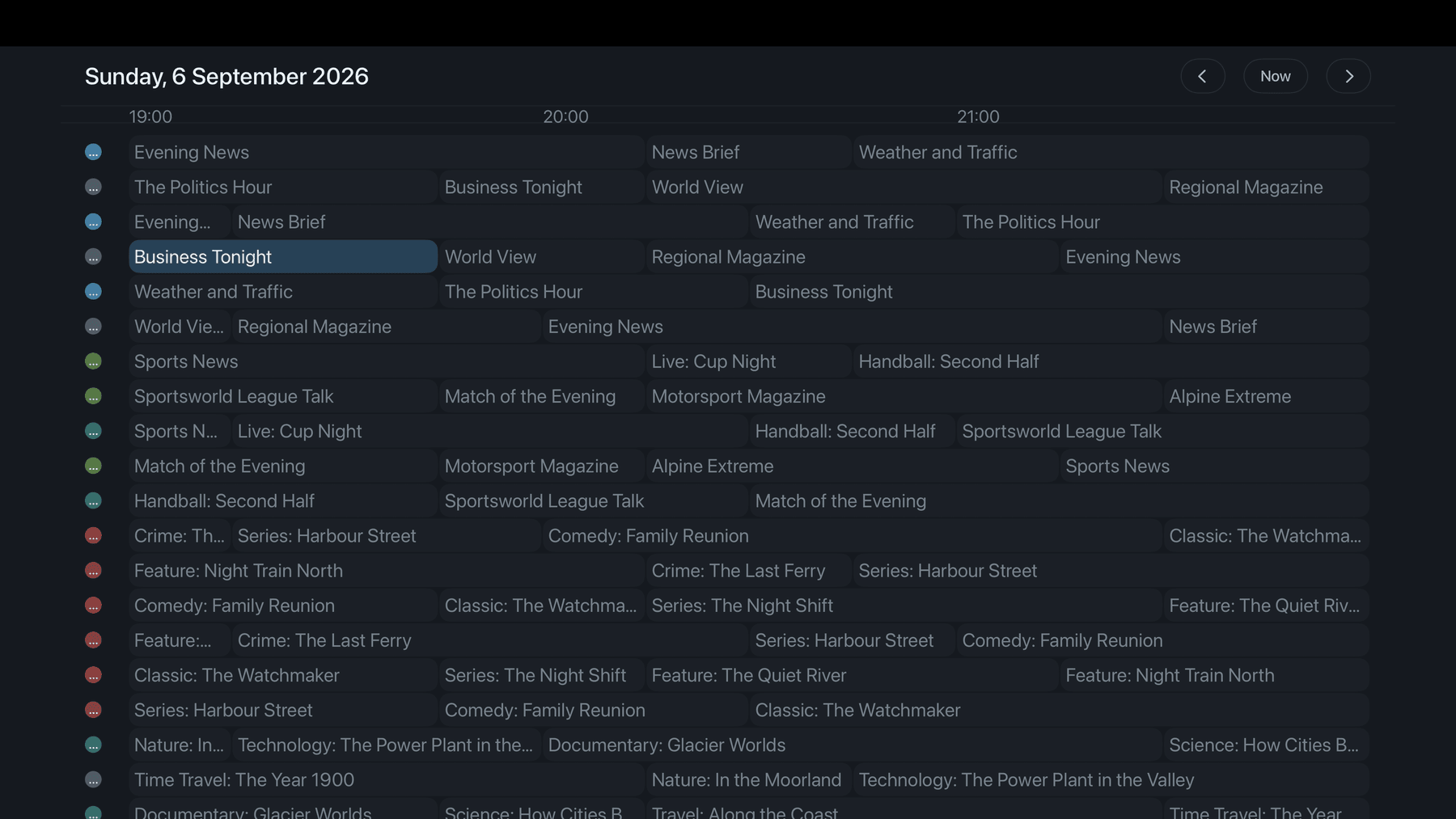
IPTV Smarters is the player many providers hand out, often under their own name. People look for an alternative for different reasons, and most of them have nothing to do with the channel list — it is the same list in any player. What differs is the app around it: which devices, what it collects, what it does when the connection drops.
We have not measured IPTV Smarters and do not judge it. What follows is what Neverlag does, with the numbers we have.
Neverlag is a native app on all four — the Mac version is a real Mac app with windows, picture in picture and recordings to a folder of your choice, not a phone app in a box. One App Store subscription covers all four devices, Family Sharing included. Apple TV, iPhone and iPad are in the store now; the Mac app follows shortly under the same link.
There is nothing to sign up for. Your credentials stay in the device keychain, favourites and playback positions sync over your private iCloud, and the app sends nothing to us — no analytics, no advertising ID, no crash reports unless you allow Apple to send them. The website sets no cookies either.
Neverlag separates fetching the stream from playing it. One part keeps a reserve of 20 to 30 seconds; when the connection breaks, a new one is fetched in the background while the picture keeps running. When the line is slightly too slow, playback runs marginally slower instead of reloading.
Measured: connection cut for 60 seconds — the picture stood for 40.3 seconds, and the stream did not start over. 15 minutes on a throttled line — 0 freezes with the pace adjustment, 42 without.
When a second device starts on a one-connection subscription, Neverlag waits instead of throwing the other device out, and says so on screen. A recording and the live picture share one connection.
Measured: with 2 providers the first connection was ended 3.2 to 8.4 seconds after the second started; Neverlag waits.
Schedule from the guide — single or series rule, with lead-in and lead-out — into an MKV without loss. On the Mac to a folder of your choice, on iPhone and iPad into the Files app, on every device to a NAS via WebDAV. Pause and rewind live TV on every channel.
Settings → Diagnostics says in plain words whether the provider, the line or the device was at fault, keeps a 30-day history per provider and channel, and runs a network test against a neutral host. All of it stays on the device; you share the journal only if you want support.
Your provider does not care which player you use. The credentials are the same.
| Carries over | How | |
|---|---|---|
| Xtream credentials | yes | server, username, password — add them under Settings → Providers |
| M3U link | yes | add it as an M3U playlist |
| Programme guide | yes | from the provider, or the same XMLTV link |
| Favourites | set again | in Neverlag they sync over your iCloud |
| Recordings | stay where they are | files on your device or NAS |
| Account | none needed | Neverlag has no account |
Neverlag is an IPTV player for Apple TV, iPhone, iPad, Mac and Fire TV for Xtream Codes and M3U providers. It separates fetching the stream from playing it, so that connection drops do not lead to reloads. Measured: 60 seconds without a connection, zero reloads.
Measured: Neverlag, in the Playback Lab, on our own devices. Other players: not yet measured. We name no providers and recommend none — you bring your own list or credentials.
Yes. The channels come from your provider, not from the player. Add the same Xtream credentials or M3U link in Neverlag and you see the same list.
We do not know — we have not measured IPTV Smarters. What we have measured is Neverlag: the numbers are on this page and in the Lab, every run, not just the good ones.
Yes: windows, picture in picture, keyboard, recordings to a folder of your choice, full screen at the programme’s frame rate. It follows shortly in the App Store under the same link as the Apple TV, iPhone and iPad app.
Download free, try for seven days, then subscribe — the App Store shows the price for your country. One subscription for Apple TV, iPhone, iPad and Mac, Family Sharing included, cancel any time.
No. Neverlag is a player. You need your own M3U playlist or the credentials of an IPTV provider; the lawfulness of the source is your responsibility. Neverlag names no providers and recommends none.
Your list, your provider — try it free for 7 days, then you decide. Mac, iPhone, iPad, Apple TV. Family Sharing included. Cancel any time.
Now on the App Store for Apple TV, iPhone and iPad. The Mac app follows shortly under the same link. One purchase for all Apple devices (Universal Purchase).
Neverlag is a player. You need your own M3U playlist or credentials from an IPTV provider. Neverlag does not contain, deliver or broker any content.