
New in 1.0.3
Your club, your channel, no reloading.
Version 1.0.3 adds a sports section that knows when your team plays and on which of your channels – and a player that stays even calmer when the provider stumbles. For Mac, iPhone, iPad and Apple TV, as an update to the same purchase.
Version 1.0.3 follows shortly on the App Store – for Mac, iPhone, iPad and Apple TV. Until then the store carries version 1.0.2.
Stability
Keeps going when the provider stumbles.
If a channel drops out, a list has a gap or the provider delivers too slowly, Neverlag switches by itself to another source of the same channel or to your second list – and tells you in one line what happened. After a disturbance it checks at a calm pace whether your channel is back, over a single connection, so your provider doesn’t lock you out.
We measured this in the lab with simulated provider disturbances on 31 October 2026: in 42 runs, Neverlag needed not a single intervention. A widely used IPTV player for Mac needed up to four per run in the same set-up. Median and maximum per disturbance are in the Lab.
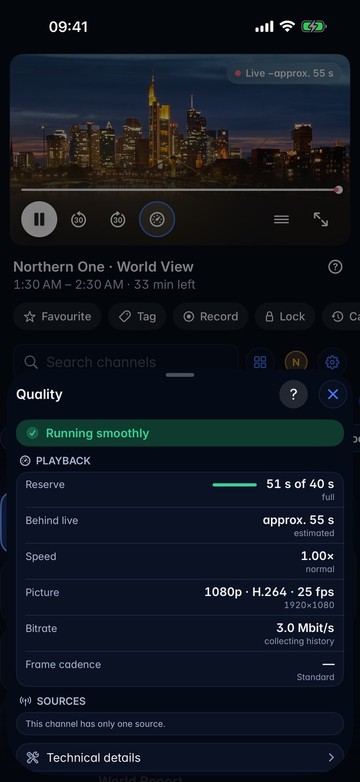
Still picture instead of programme
Doesn’t fall for a still picture.
Some providers send a still picture or an endless loop instead of the programme – the player thinks everything is running. Neverlag recognises this, doesn’t show it as programme and tells you the channel is missing right now. As soon as it is back, Neverlag brings the picture back by itself.
Sports hub
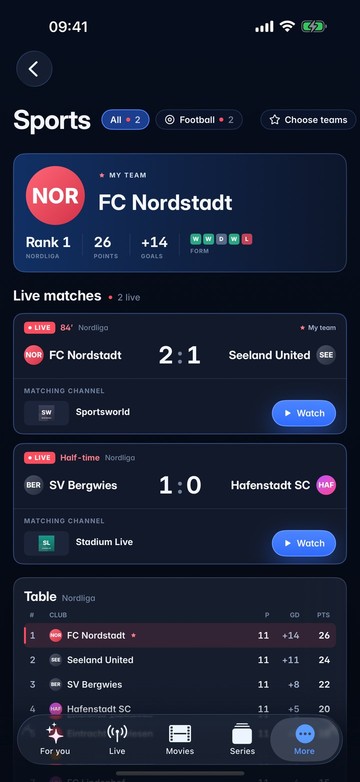
Live scores, results, fixtures and tables – for your clubs.
The new “Sports” section shows what the clubs and leagues you follow are doing: today’s matches with live scores, results, fixtures and the table. No searching, no second app – in the top bar on the TV, in the sidebar on the Mac, as its own tab on iPhone and iPad.
You choose whom you follow. Club crests can be turned off; colour tiles with abbreviations take their place.
Match finder
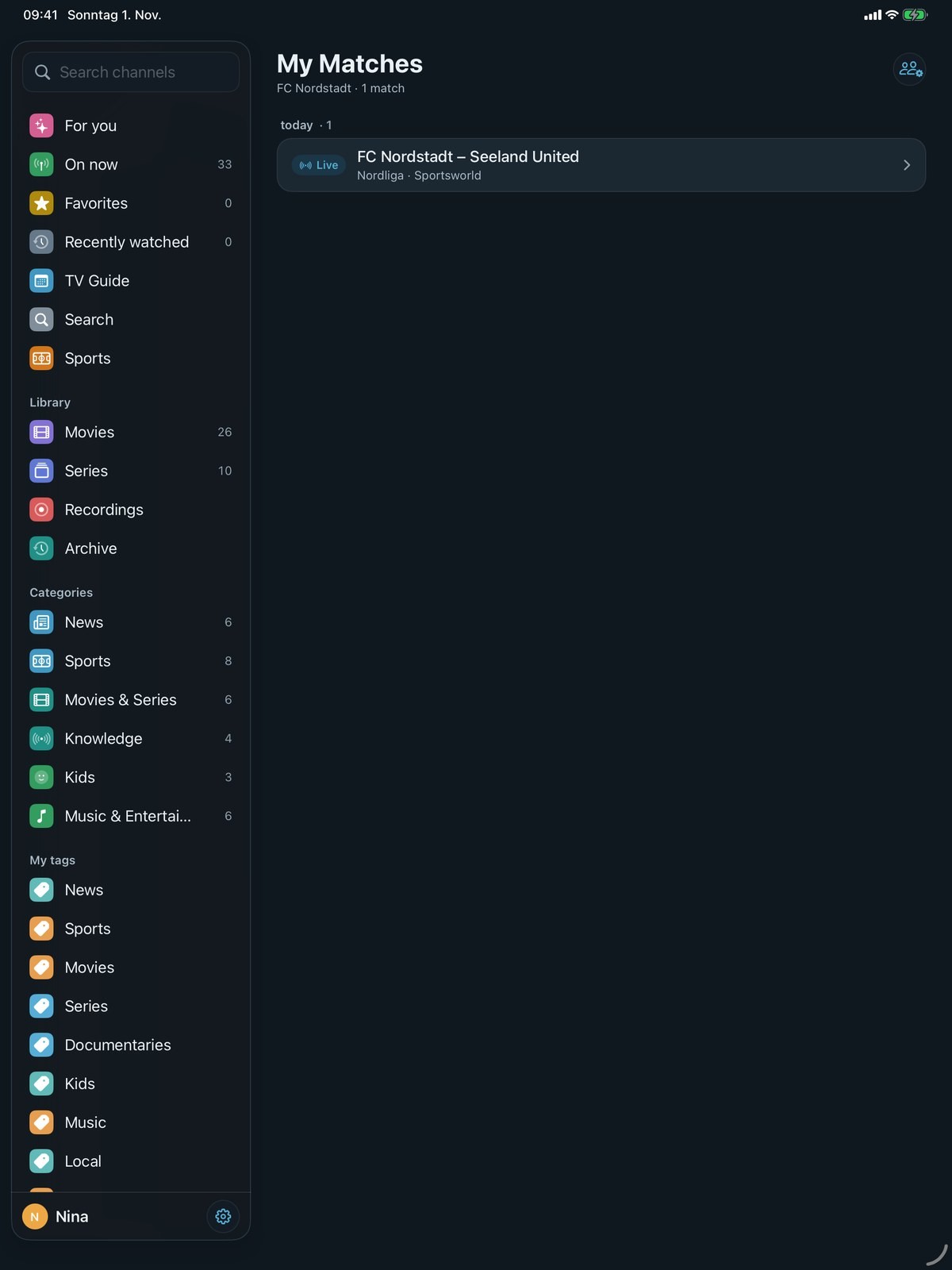
“My matches” finds your match in your own guide.
Neverlag compares your clubs’ fixtures with your provider’s programme guide and tells you on which of your channels the match is on – with kick-off time and a reminder. You tap the match, not a channel.
Live ticker
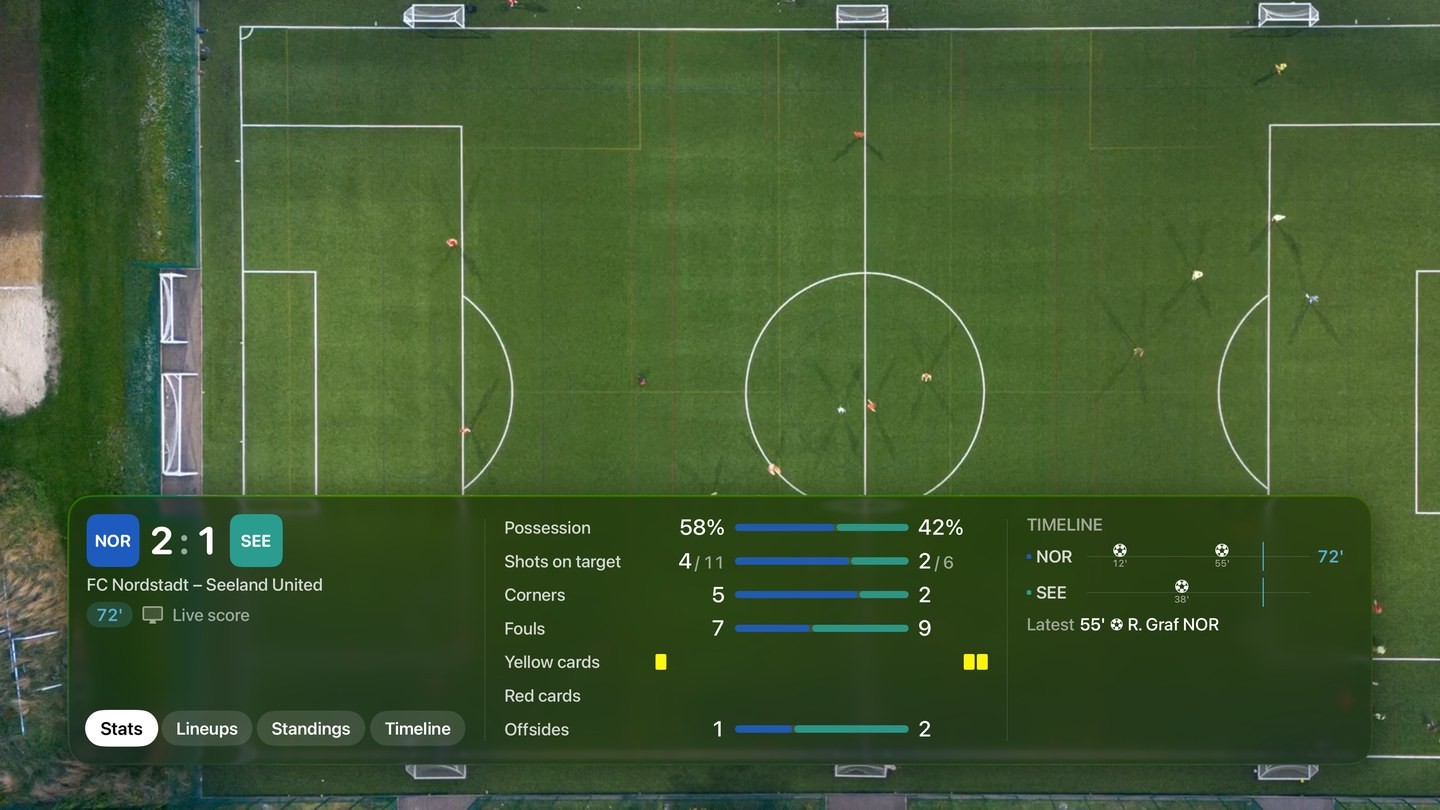
Goals, score and table – over the running picture.
While you watch, the live ticker reports your clubs’ goals. In the player, a bar can sit over the picture on request: score, statistics, line-ups, table and timeline. During a multi-match broadcast you pick the match. If you don’t want to know the result in advance, turn on spoiler protection.
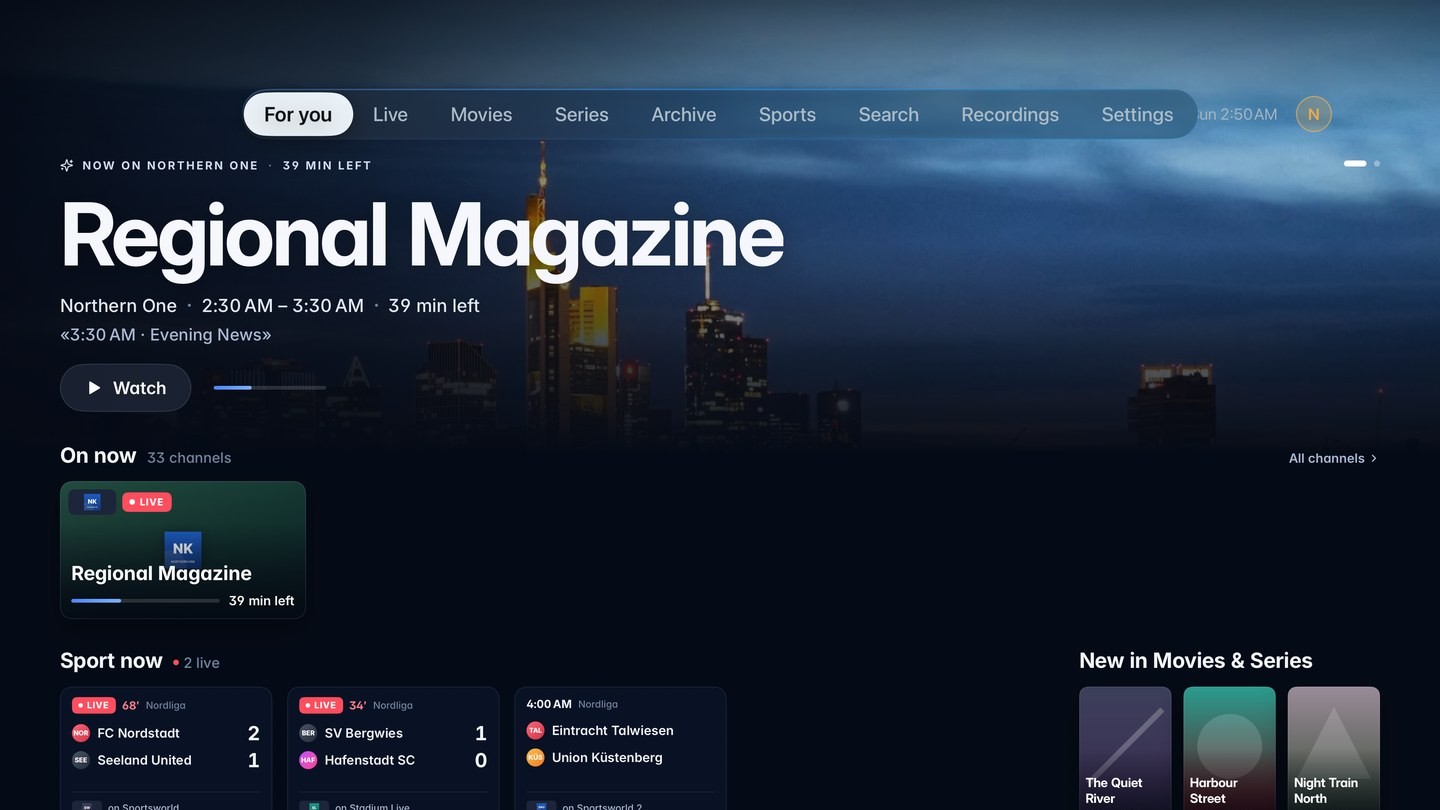
“For you”
What’s on now, where you left off, when your team plays.
The new “For you” start page gathers what concerns you right now: programmes running on your favourites, films and episodes you started, and your clubs’ next match. On all four devices.
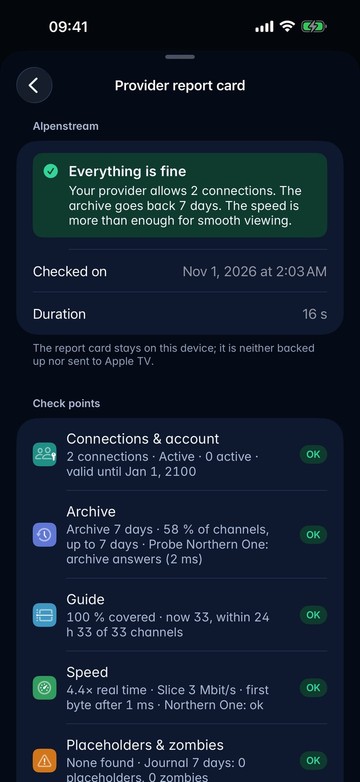
Provider report card
In under a minute you know what your provider is worth.
Neverlag measures your provider on your device: allowed connections, catch-up, programme data, delivery speed, still pictures instead of programme, picture levels. One traffic light and one plain sentence per point. So you know whether a dropout is the provider’s doing – before you doubt the player.
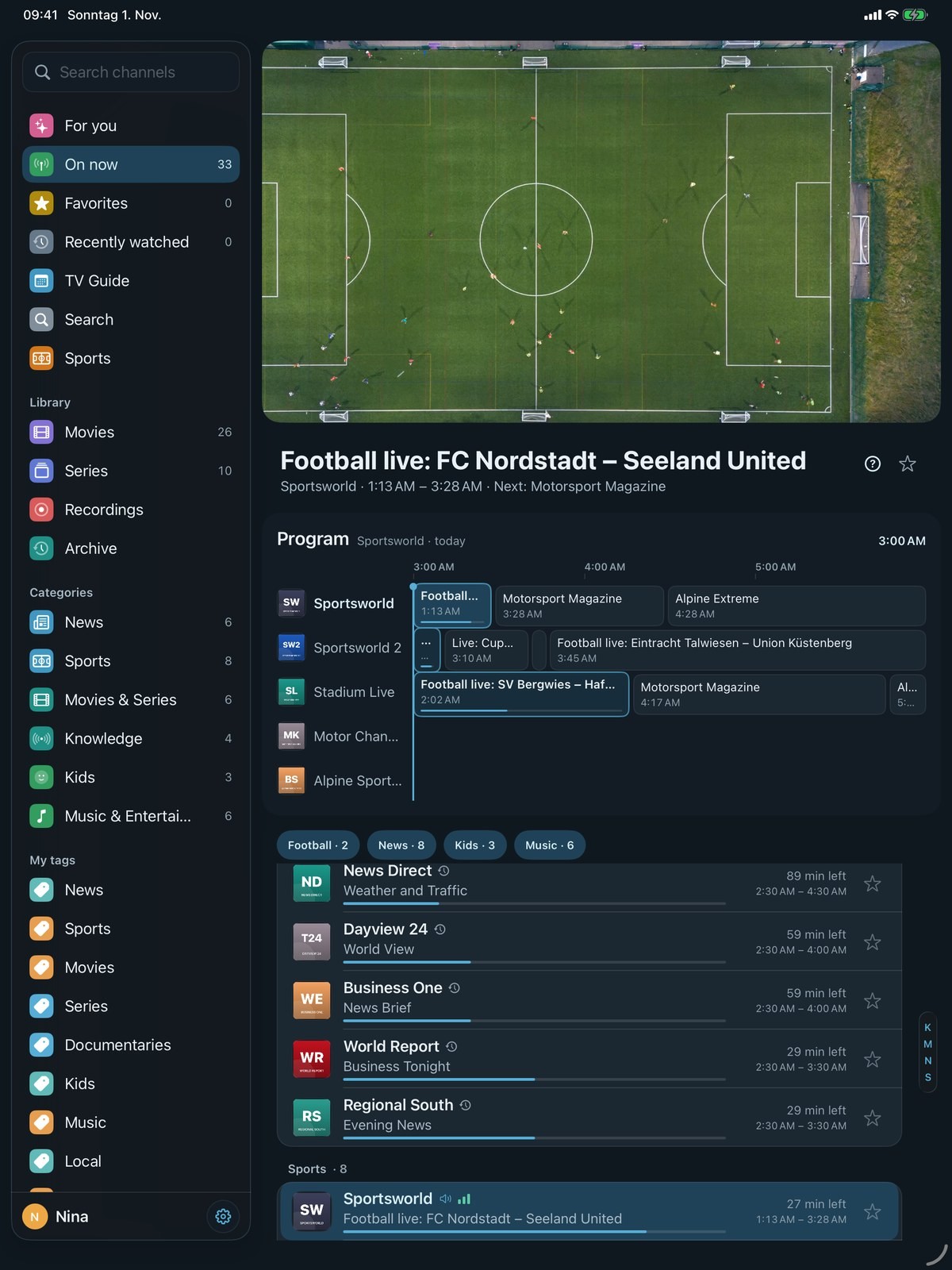
Reception quality
Bars in the channel list show how cleanly a channel ran today.
On Apple TV and iPad, every channel you watched today carries a small bar: full if it ran cleanly, shorter if there were dropouts. You see what to expect before you switch.
Notices in the app
Neverlag tells you when there is something to tell.
When a new version is ready or there is a notice for your device, Neverlag shows it right in the app – one line you swipe away. No e-mails, no lock-screen notifications.
Also in 1.0.3
- A crash under heavy picture load is fixed; audio resumes cleanly after a dropout.
- If the system wakes the app in the background, playback no longer starts. Quitting never blocks.
- iPad: the button to rotate the picture works again. iPhone: video runs at 120 Hz where the display allows.
- Mac: “Start subscription” is reachable in Settings at any time, also during the trial.
- Security updates under the hood.
The update comes to you.
If you have Neverlag, you get 1.0.3 as an update – same purchase, same lists. Until then: 7 days free, with your own list.
Neverlag is a player. You need your own M3U playlist or credentials from an IPTV provider. Neverlag does not contain, deliver or broker any content.