Settings → Language
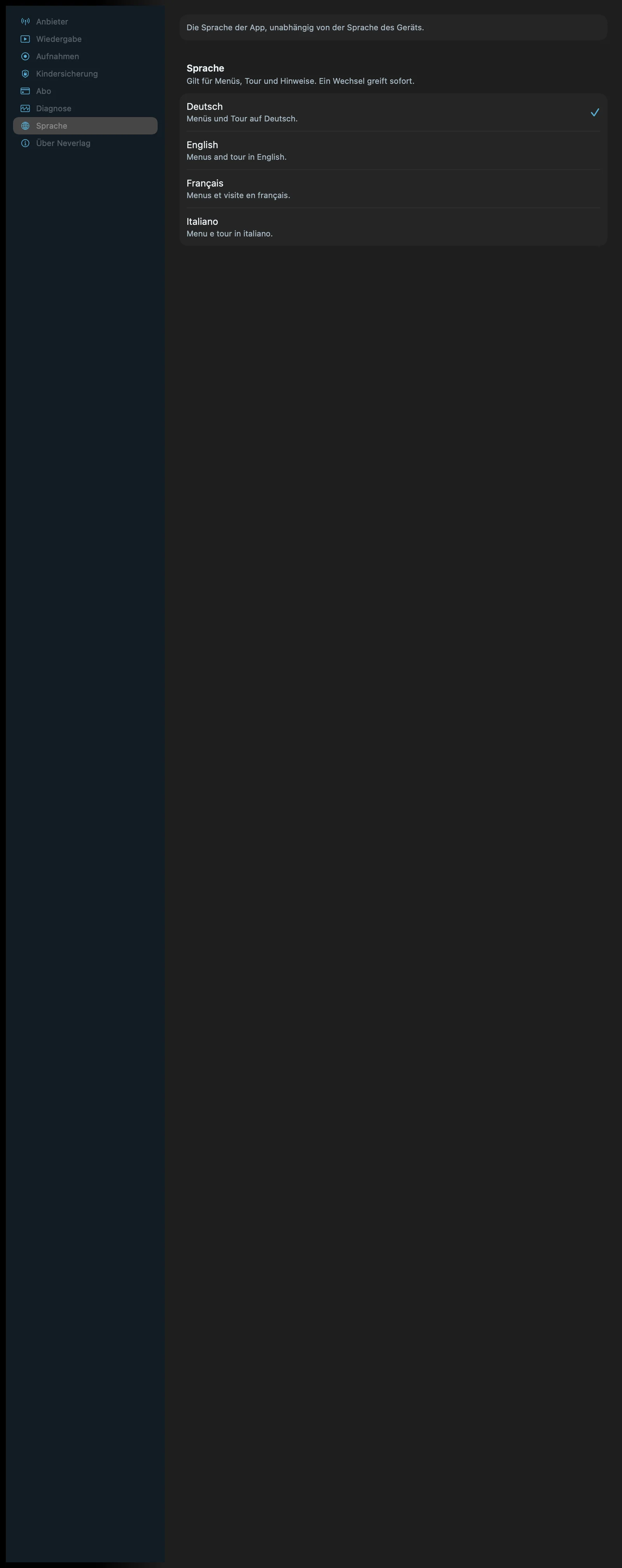
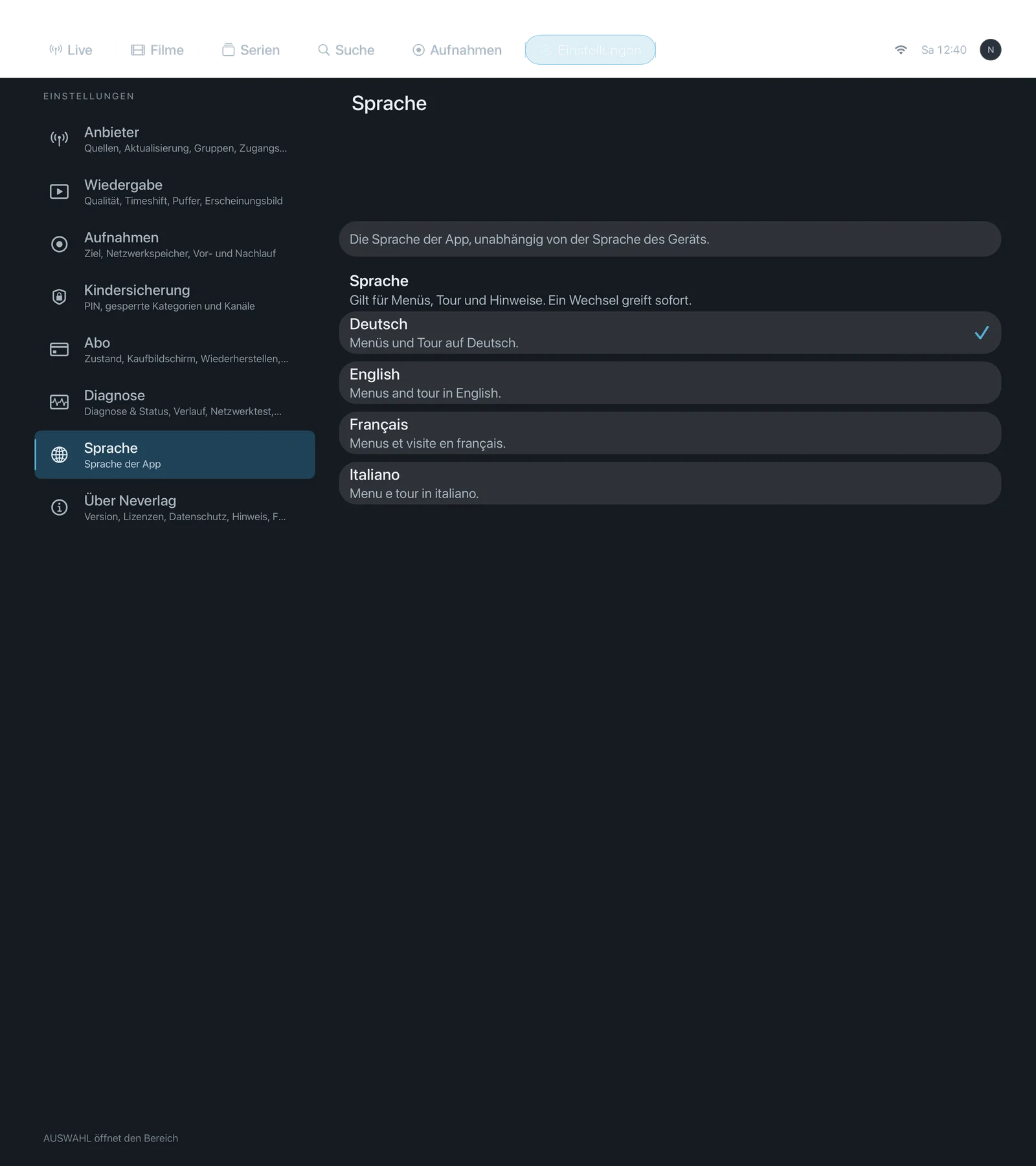
Sentence at the bottom of the section: “Applies to the app, independent of the system language.”
| iPhone | iPad | Apple TV |
|---|---|---|
 |  |  |
Language
-
Where: Settings → Language · Mac, iPhone, iPad, Apple TV · additionally on the very first start as the first screen
-
What it does: “Applies to menus, tour and hints. A change takes effect immediately.” The language of the channels and of the programme guide comes from the provider and does not change as a result.
-
Default: Your device’s system language, if it is one of the four; otherwise English.
-
Options:
- Deutsch – “Menüs und Tour auf Deutsch.”
- English – “Menus and tour in English.”
- Français – “Menus et visite en français.”
- Italiano – “Menu e tour in italiano.”
There is no advantage or disadvantage here; take the language you read best. The names of the languages appear the same in every language.
-
When to change: When the app suggested the wrong language on first start.
-
What it costs: Nothing.
-
Works together with: Getting started → Language, About → Tour of the app