Settings
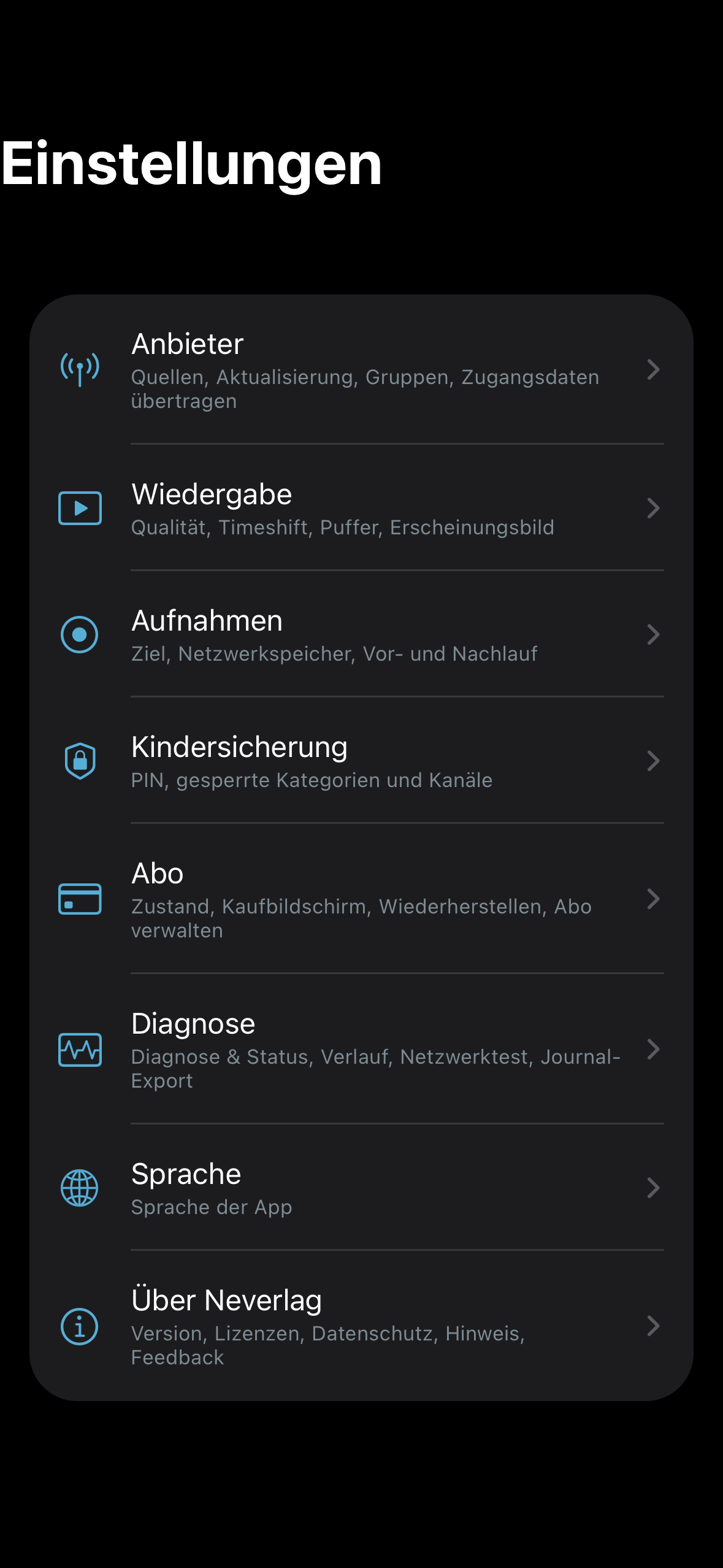
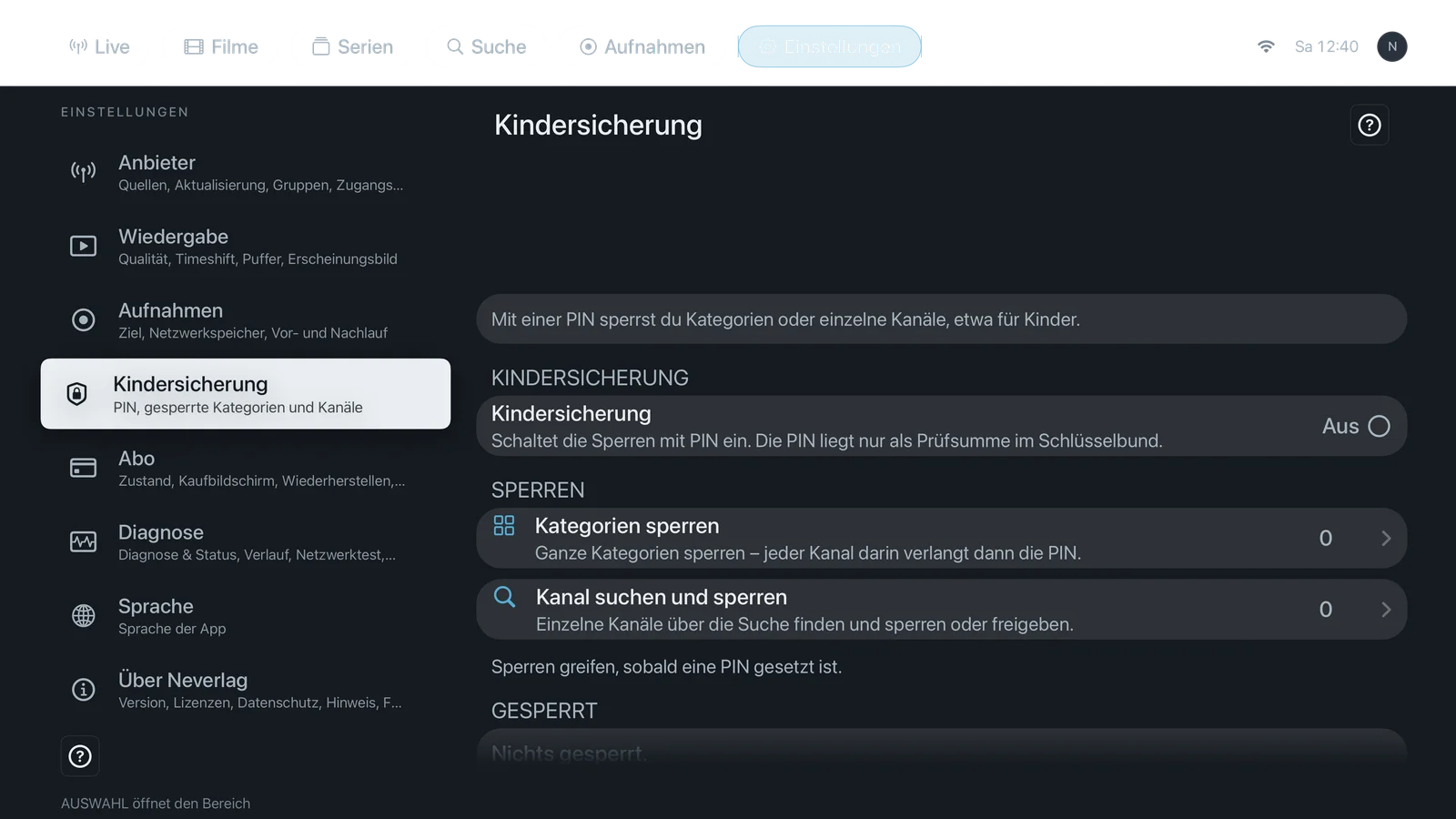
The settings are divided into eight areas. On all devices they have the same names and the same content; only the navigation differs (Mac and iPad: sidebar + area; iPhone: overview page with eight rows; Apple TV: two columns like the system settings).
When you open an area for the first time, short hints explain the most important buttons. Under every setting the app shows an explanatory sentence; for a choice, each option has its own sentence. This wiki takes over these sentences and adds the default value, advantages and disadvantages, costs and relationships.
| Area | What it contains | Settings |
|---|---|---|
| Providers | Sources, refresh, groups, categories, tags, EPG mapping, backup, transfer credentials | 18 |
| Playback | Appearance, startup quality, frame pacing, refresh rate, 120 Hz, motion smoothing, timeshift, head start, reserve, receiver and connection, controller, renderer | 14 |
| Recordings | Destination, folder, network storage, pre- and post-roll | 7 |
| Parental controls | PIN, locked categories and channels | 6 |
| Subscription | Status, purchase screen, restore, manage subscription, terms | 5 |
| Diagnostics | Diagnostics & status, history, network test, journal | 5 |
| Language | App language | 1 |
| About | Tour, hints, first-start notice, rate, feedback, privacy, licenses | 8 |
64 settings in total – exactly as many as the app keeps in its catalogue (SettingsGuide.all). The reconciliation list is under Contributing.
How to read a setting
Every setting has the same layout:
- Name – as in the app in English.
- Where – area and devices on which the setting exists (Mac, iPhone, iPad, Apple TV).
- What it does – in two to three sentences, with the explanatory sentence from the app.
- Default – the value after installation, backed by the code.
- Options – one sentence of advantage and one sentence of disadvantage each. For buttons: no options.
- When to change – in which situation a different value is worthwhile.
- What it costs – battery, delay behind live, data volume, storage.
- Works together with – references to related settings and pages.
When in doubt
The app says it itself at the top of the Playback area: “When in doubt, leave the defaults.” The defaults are the best choice for most providers and devices. Change a setting only if you have a specific problem – and first check under Troubleshooting what the app advises.
Screenshots
Every area page shows the area at the top on the Mac, the iPhone, the iPad and the Apple TV (German, dark appearance). The overview of the eight areas on the iPhone and the Apple TV: