Settings → Subscription
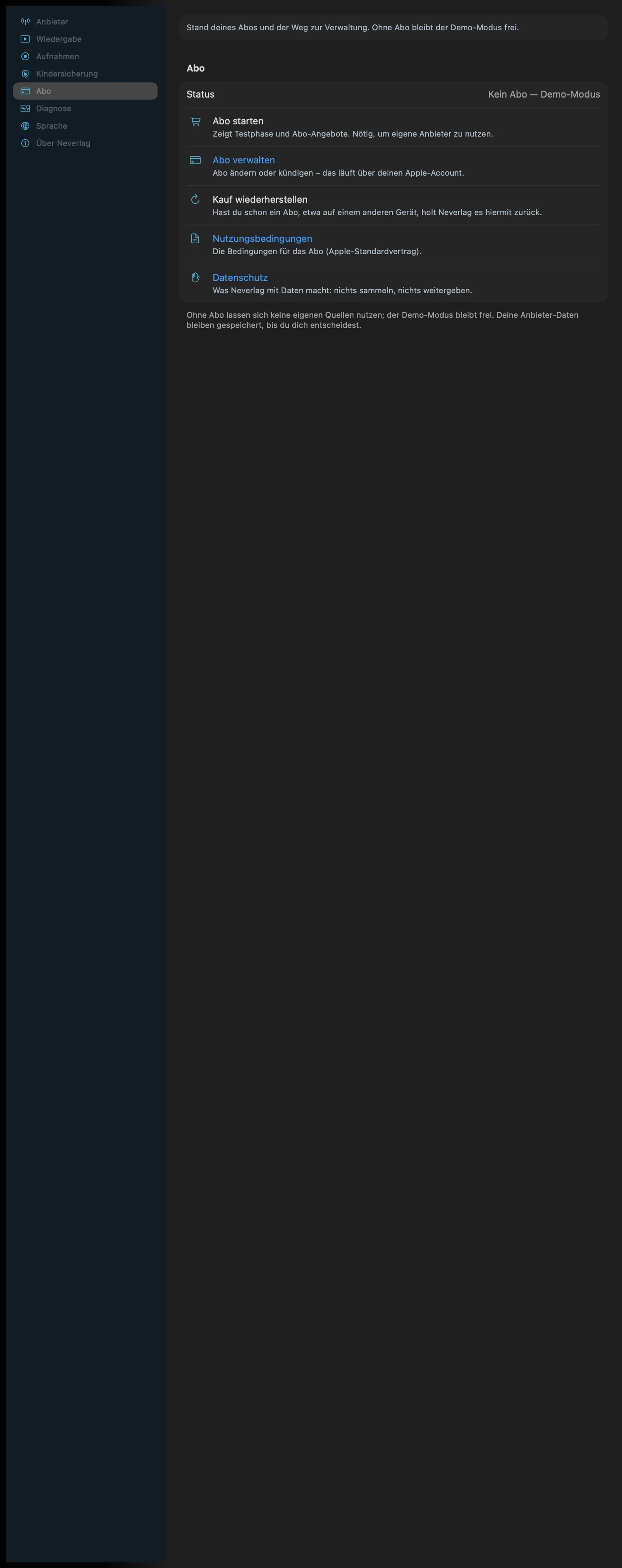
Sentence at the bottom of the section: “Without a subscription, your own sources can’t be used; demo mode stays free. Your provider data stays saved until you decide.”
This wiki does not state any prices or subscription periods. What the subscription costs and how long a trial lasts is shown only by the app on the purchase screen. The states the app displays are described under Subscription and backup.
| iPhone | iPad | Apple TV |
|---|---|---|
 | 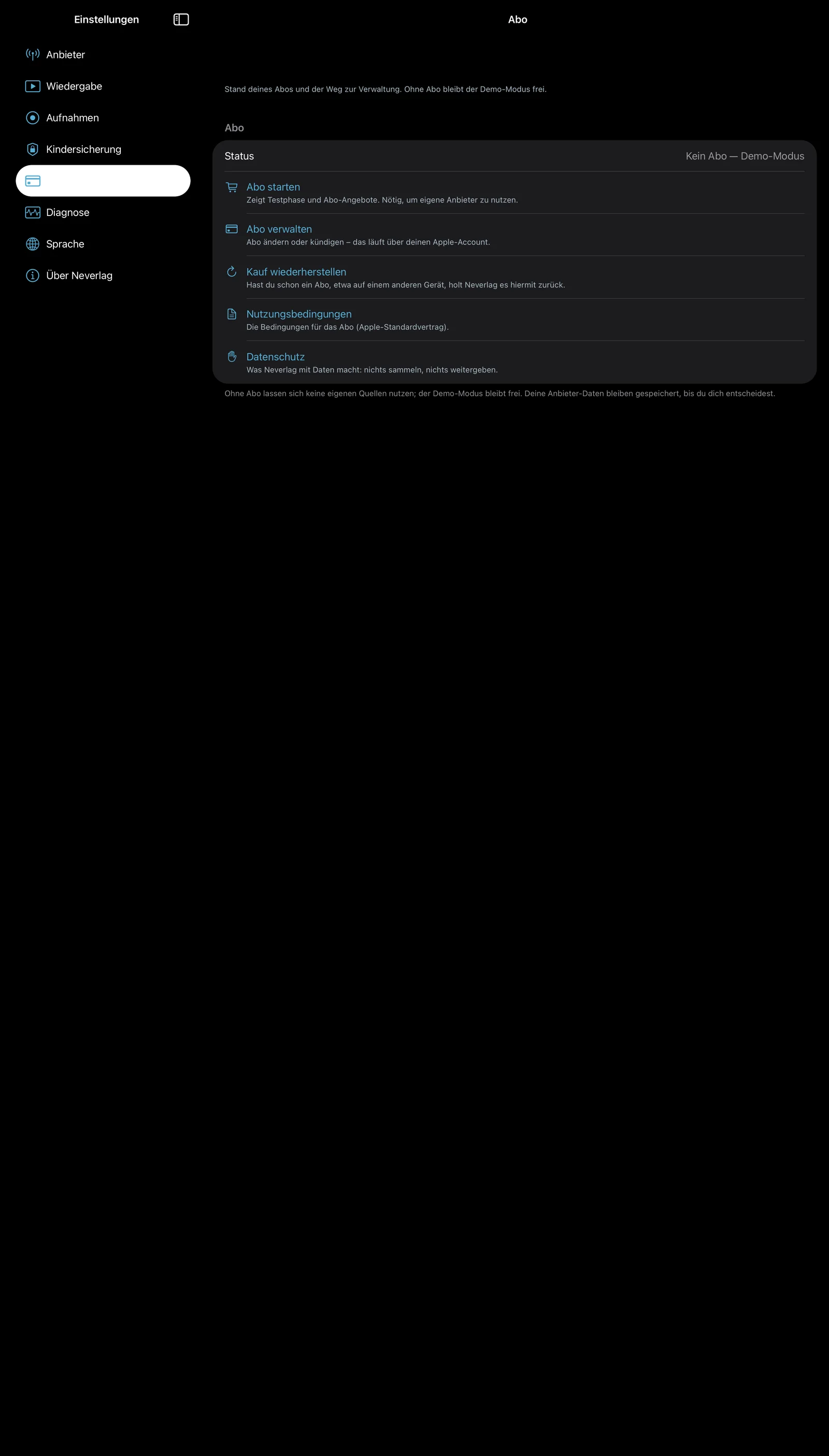 | 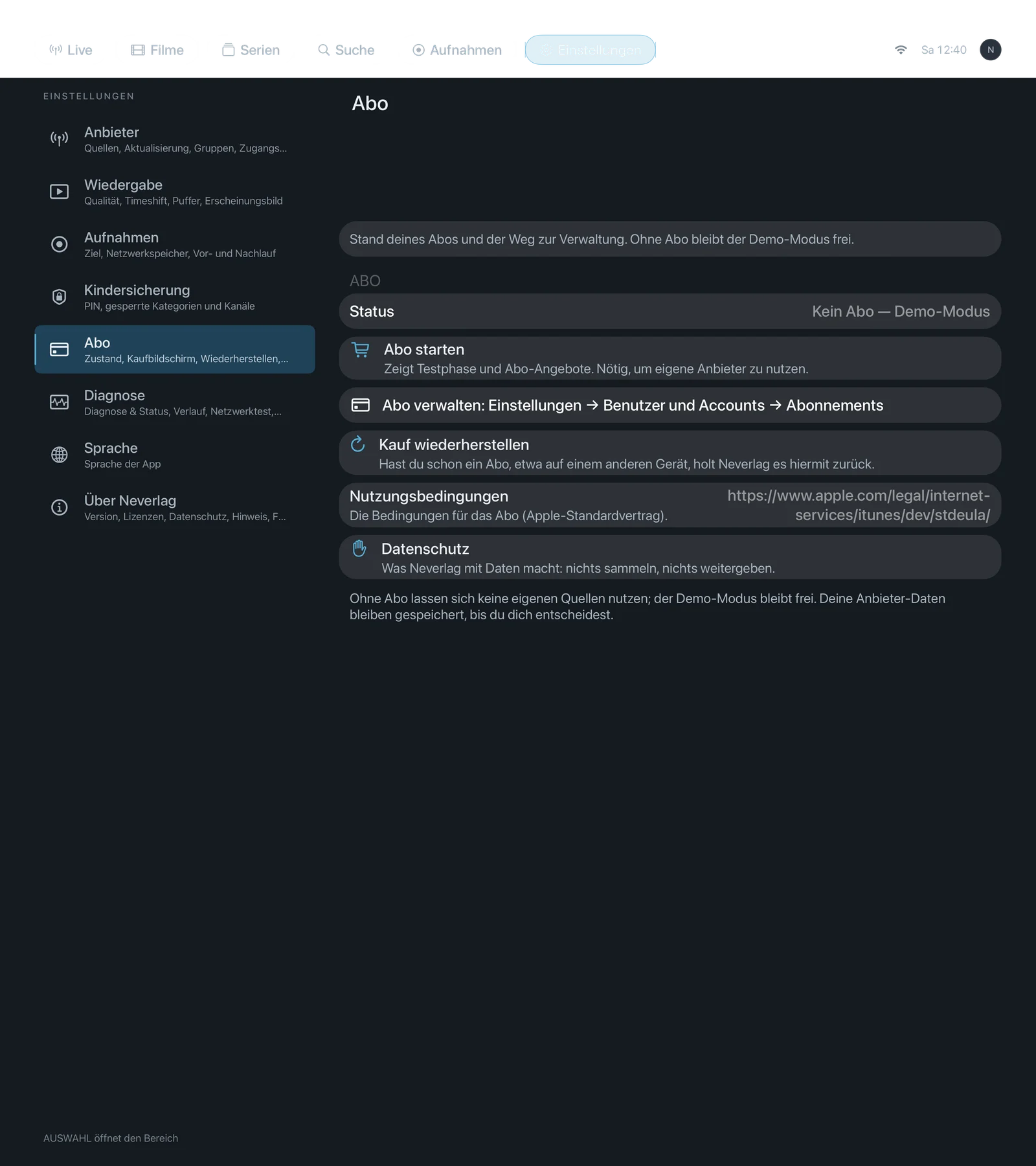 |
“Status” display
At the top of the section you see the state as the app knows it:
- “No subscription — demo mode”
- “Trial — … days left (until …)”
- “Active — renews on …” or “Active — ends on …”
- “Expired on …”
This is not a setting, just a display.
Settings
Start subscription
- Where: Settings → Subscription · Mac, iPhone, iPad, Apple TV · only without a subscription
- What it does: “Shows the trial and subscription offers. Required to use your own providers.” Opens Apple’s purchase screen (App Store). The purchase runs through your Apple Account; Neverlag sees no payment details.
- Default: – (button)
- Options: none (the offers are shown on the purchase screen)
- When to change: When you want to set up your own provider and the app points you to the subscription.
- What it costs: The purchase screen shows this.
- Works together with: Restore purchase, Add provider
Manage subscription
- Where: Settings → Subscription · Mac, iPhone, iPad · on the Apple TV only as a note: “Manage subscription: Settings → Users and Accounts → Subscriptions”
- What it does: “Change or cancel the subscription – this is done through your Apple Account.” Opens Apple’s subscription management.
- Default: – (button)
- Options: none
- When to change: To cancel or switch.
- What it costs: Nothing.
- Works together with: Subscription and backup
Restore purchase
- Where: Settings → Subscription · Mac, iPhone, iPad, Apple TV
- What it does: “If you already have a subscription, for example on another device, this brings it back.” Asks Apple whether a subscription belongs to your Apple Account.
- Default: – (button)
- Options: none
- When to change: After switching devices, after reinstalling, or when the app shows “No subscription” although you have one.
- What it costs: Nothing.
- Works together with: Start subscription
Terms of Use
- Where: Settings → Subscription · Mac, iPhone, iPad as a link · Apple TV shows the address as text
- What it does: “The terms for the subscription (Apple’s standard licence agreement).”
- Default: – (reference)
- Options: none
- When to change: For reading up.
- What it costs: Nothing.
- Works together with: Privacy Policy
Privacy Policy
- Where: Settings → Subscription · Mac, iPhone, iPad as a link · Apple TV as a text page with QR code
- What it does: “What Neverlag does with data: collects nothing, shares nothing.” The same text as under About → Privacy policy.
- Default: – (reference)
- Options: none
- When to change: For reading up.
- What it costs: Nothing.
- Works together with: Subscription and backup → Privacy