Settings → TV Guide
Sentence at the top of the area: “Where programme data comes from and how channels and programmes are matched.”
New in 1.0.2 as an area of its own in the Content block. Up to 1.0.1 these three entries were under “Providers”.
| iPhone | Mac | Apple TV |
|---|---|---|
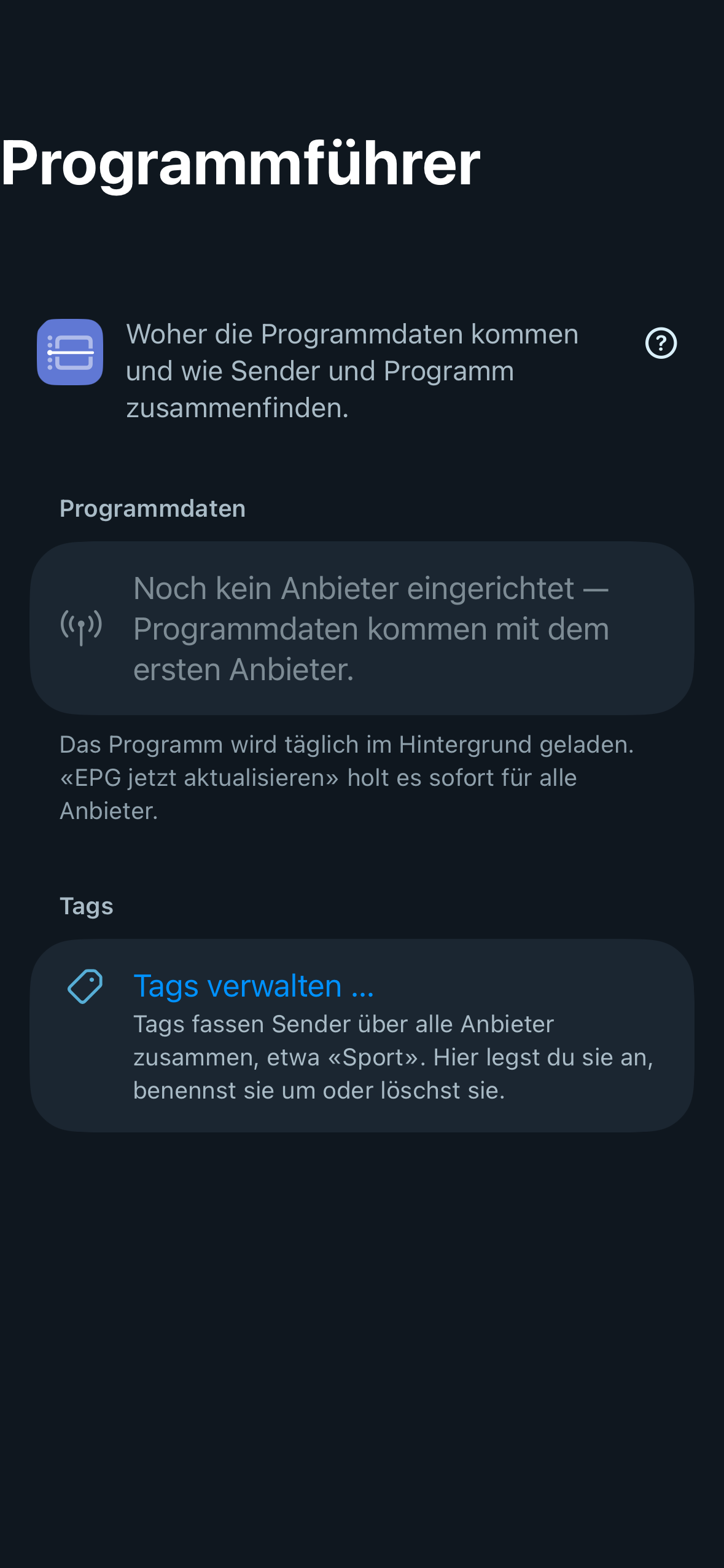 | 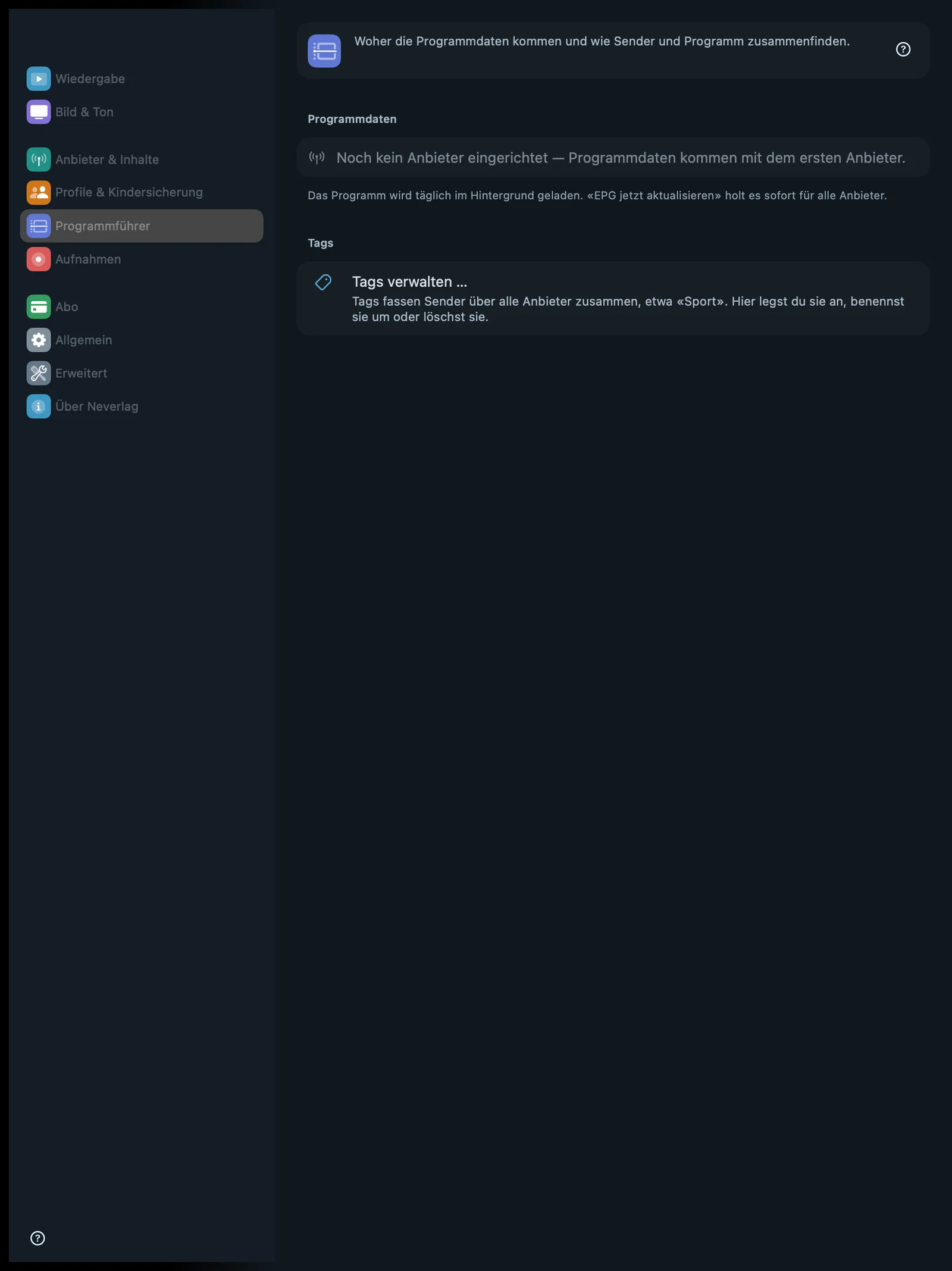 | 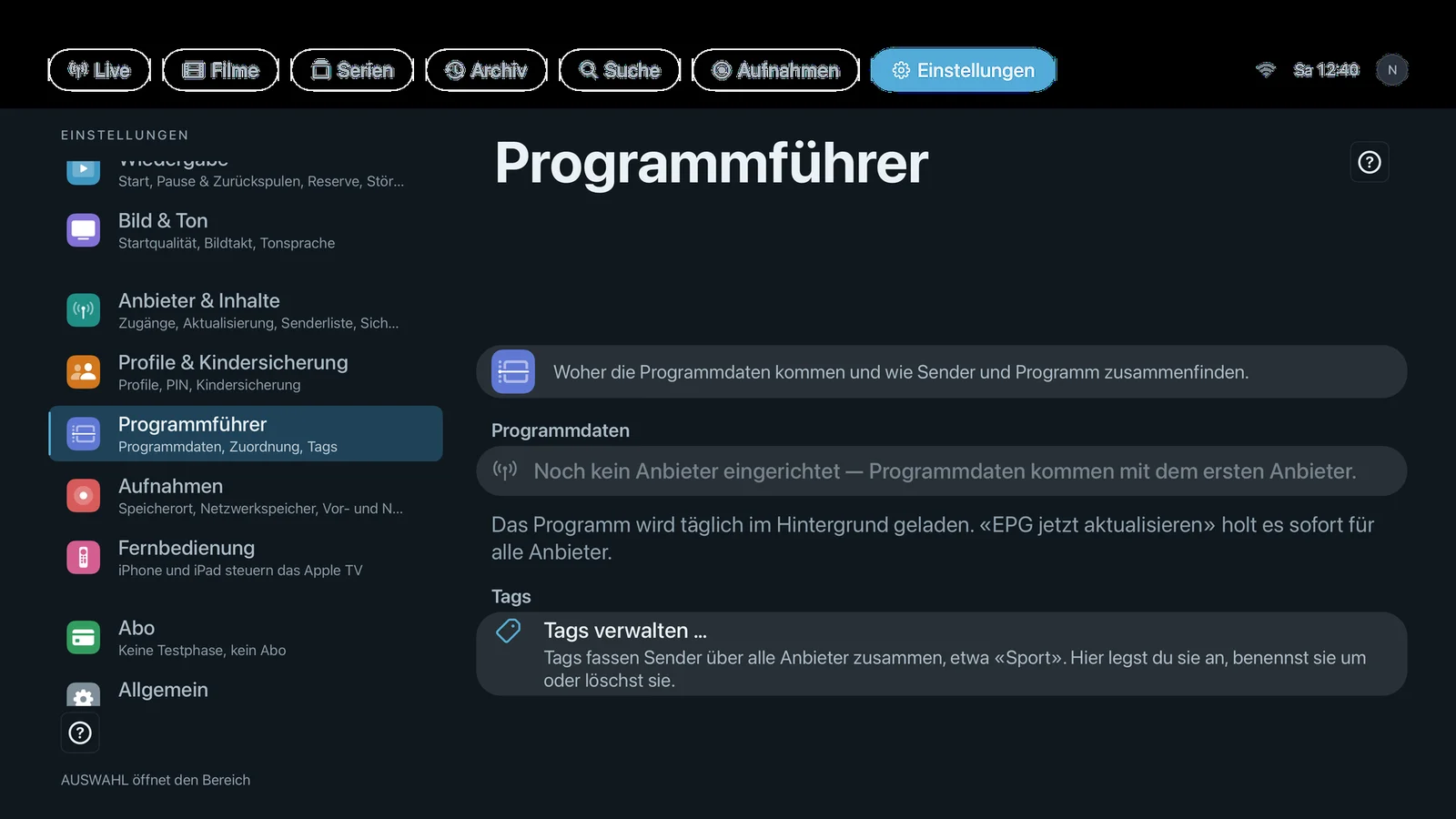 |
Sections: Programme Data (for each provider, the state of its programme data, “Refresh EPG now” and “EPG mapping …”) and Tags. Without a provider it says “No provider set up yet — programme data arrives with the first provider.” Footnote: “The programme loads daily in the background. ‘Update EPG now’ fetches it right away for all providers.”
The automatic tags (Football, News, Kids …) need no setting; they are created while the programme data is read in. See Automatic tags.
Programme Data
Refresh EPG now
- Where: Settings → TV Guide → Programme Data · Mac, iPhone, iPad, Apple TV
- What it does: “Reloads the TV guide, for example when programmes are missing.” Fetches the programme data (XMLTV) for all providers and rebuilds the TV guide and the automatic tags.
- Default: – (button; in the background Neverlag loads the programme data daily)
- Options: none
- When to change: When the TV guide is empty or shows old programmes.
- What it costs: Data volume for the programme data (often several megabytes, compressed).
- Works together with: EPG mapping, Interface → TV guide, Automatic tags
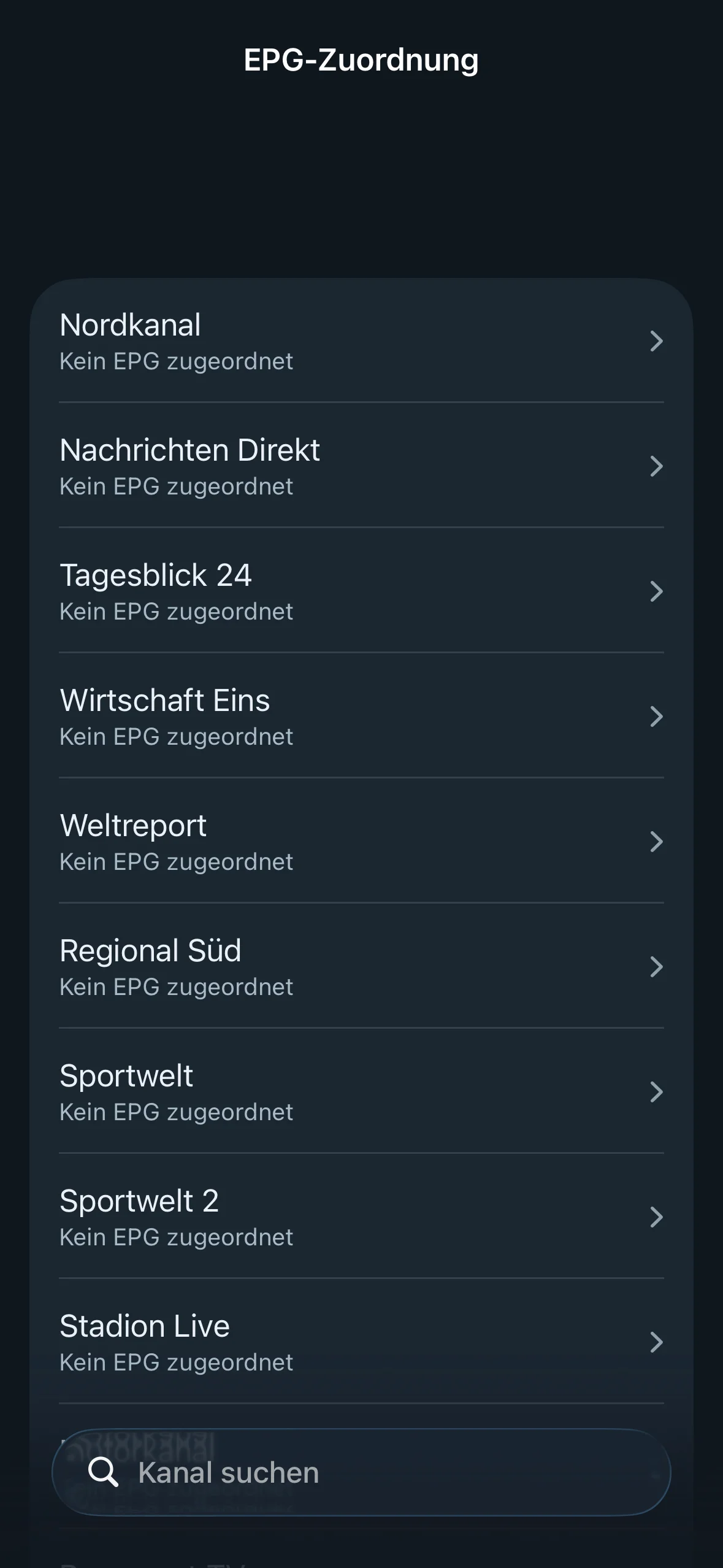
EPG mapping …
- Where: Settings → TV Guide → Programme Data · Mac, iPhone, iPad, Apple TV · only with a provider set up · opens a separate page
- What it does: “If a channel shows no or the wrong programme, assign the right guide entry here.” Normally the matching uses the playlist’s
tvg-id; if that is missing, Neverlag tries to match by name. Here you can override this per channel: “Automatic”, “Manual: …” or “Manual: no EPG”. - Default: – (button; the default for each channel is “Automatic (tvg-id / name match)”)
- Options: none
- When to change: When the TV guide stays empty for a channel or shows another channel’s programme.
- What it costs: Nothing.
- Works together with: Refresh EPG now, Interface → TV guide, Archive (catch-up) (the archive needs the matching too)
Tags
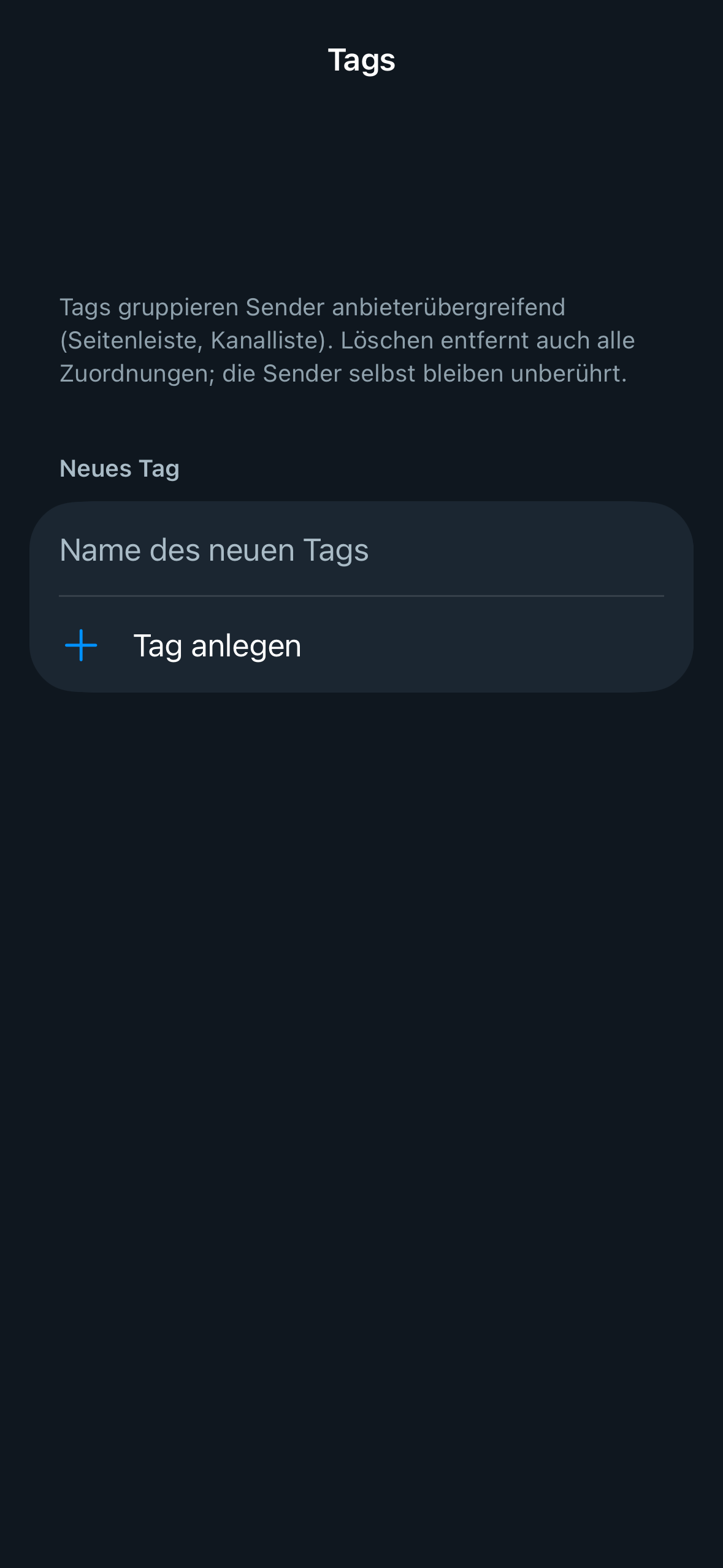
Manage tags …
- Where: Settings → TV Guide → Tags · Mac, iPhone, iPad, Apple TV · opens a separate page
- What it does: “Tags group channels across all providers, such as ‘Sport’. Create, rename or delete them here.” Deleting a tag also removes all its assignments; the channels themselves are left untouched. A new name applies everywhere. These are your own channel tags; the automatic programme tags are not managed here.
- Default: – (button; built-in tags: Documentaries, Kids, Movies, Music, News, Radio, Local, Series, Sports)
- Options: none
- When to change: When you want your own collections across several providers.
- What it costs: Nothing. Your private iCloud keeps tags in sync between your devices.
- Works together with: Interface → Groups and tags, Automatic tags